PONGEM
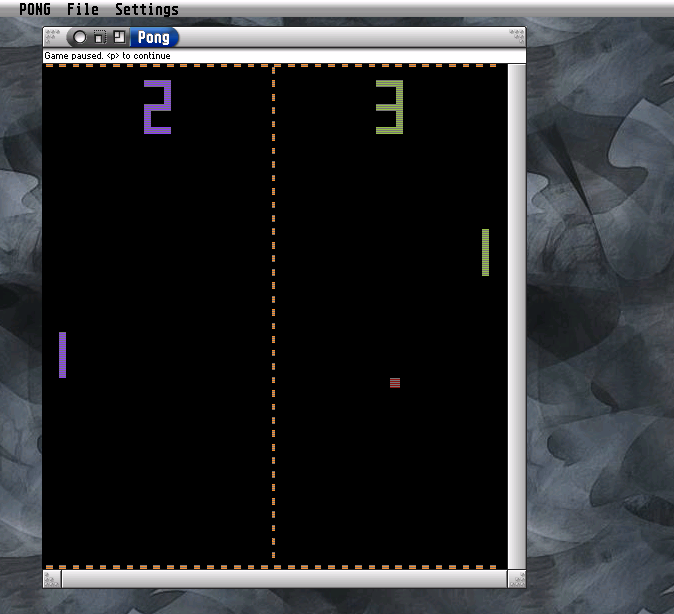
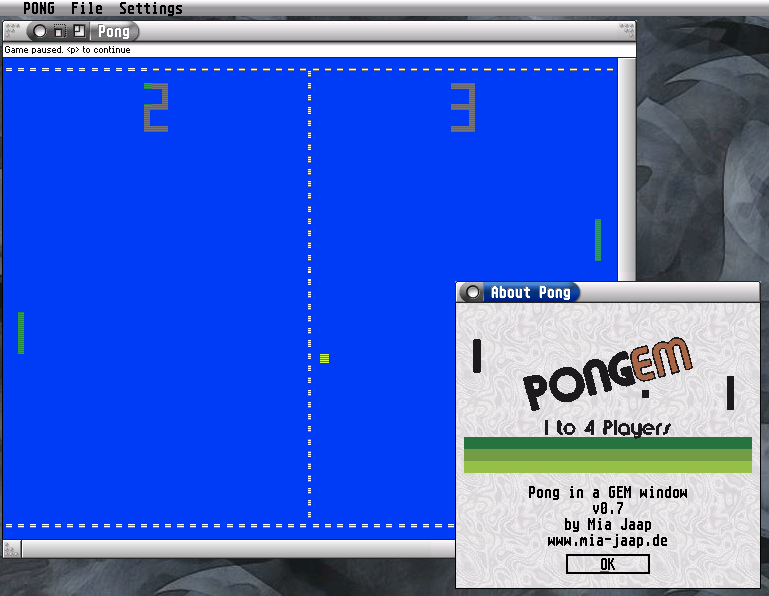
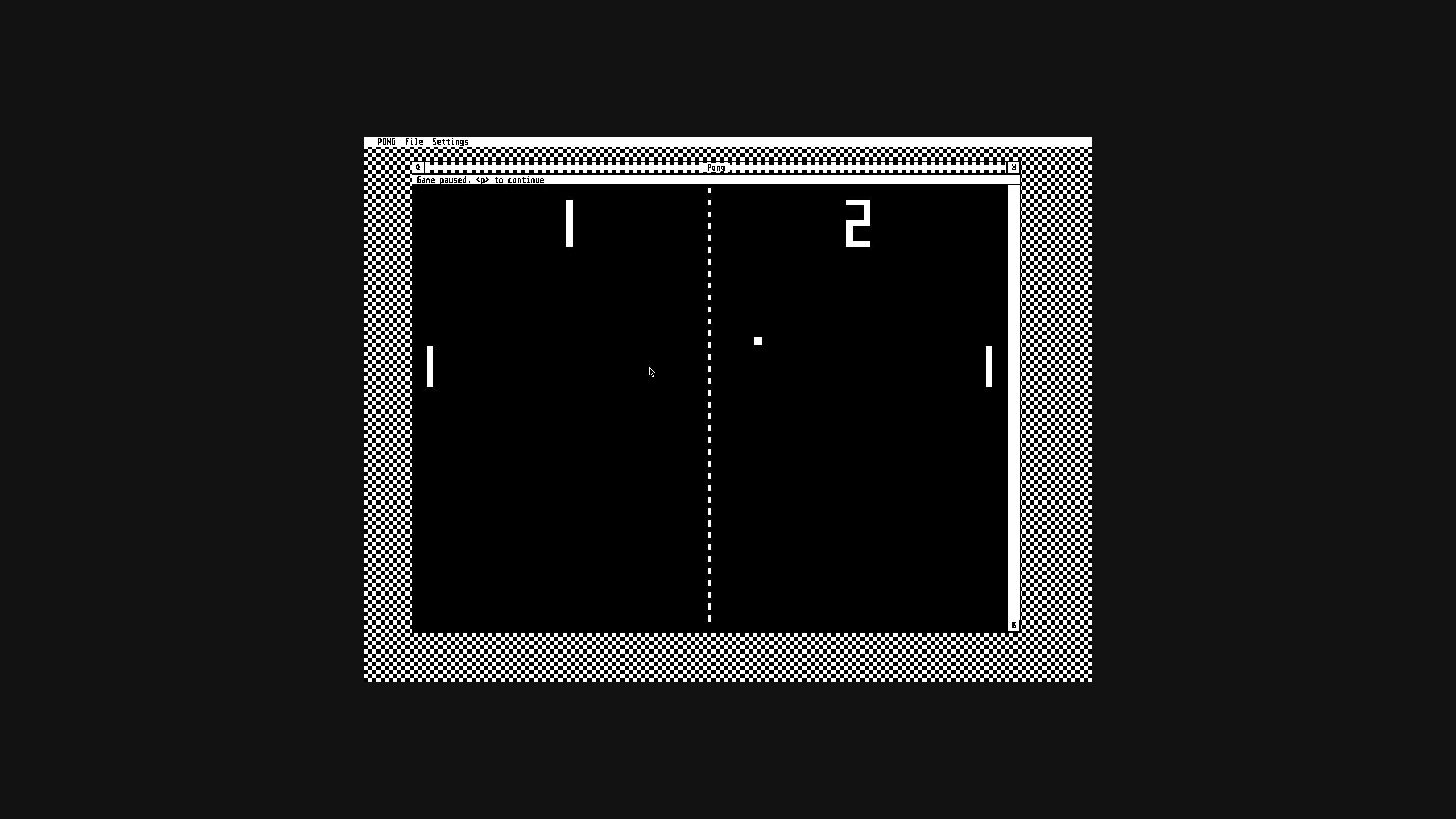
PONGEM (PONG-GEM) is the first PONG variant available as a GEM game for all ST computers and compatible devices. It was inspired by the Intel Super Tele-Sport PONG console in the four-game version. My version doesn't include a switch for the ball angle yet; the angle depends on where the ball hits.
Features:- Two different games: Tennis and Squash
- Freely resizable window
- Various display modes in color and B/W
- Various control options
- Custom color assignment with the Colors program (Holger Weets) or Colour Selector (Joakim Högberg)
- Sound output via the YM sound chip or DMA
| PONGEM 0.70 | |
|---|---|
| Release date | 2026-xx-xx |
| Systems | Atari ST/TT/Falcon & FireBee |
| Languages | |
| Programming language | gcc + cflib |
| Download | - |
In the Beginning Was PONG
PONG marked the breakthrough for video games and for the company Atari. The game had its roots in the oscilloscope game “Tennis for Two” and Ralph Baer’s Brown Box.
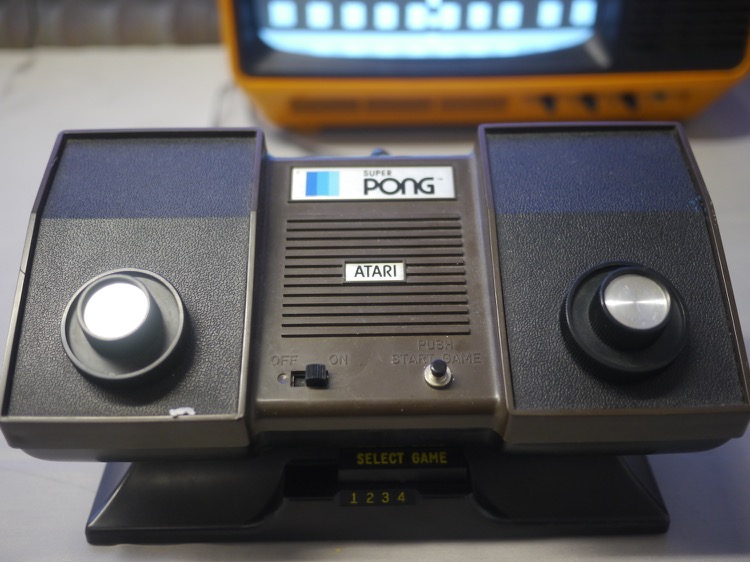
PONG Consoles
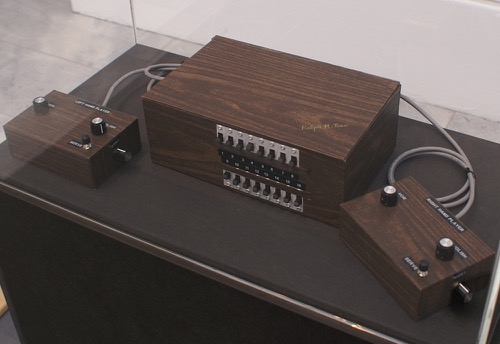
After PONG became a huge hit as a home version as well, the market was flooded with PONG consoles. Intel’s (not THE Intel company!) Super Tele-Sport was just one of many and had no special features. It is, however, the only PONG console I own.
Later PONG
By the late ’70s, gamers were demanding more complex games. These arrived with cartridge-based consoles like the Atari 2600. The classic PONG (as “Video Olympics”) was now just one of many games for the console. PONG games continued to appear later on, including for the Atari ST. However, while the related Breakout had several implementations as GEM games, PONG was only available for the classic three ST resolutions.
Concept
Like Breakout, PONG is very easy to implement as a GEM game: Since the game consists only of rectangles and lines, it scales very easily with the window size. The elements on the playing field do not have a fixed size, but rather a relative one. This makes the game feel just as at home on a large screen as it does at the classic ST resolutions.
Ping-Pong
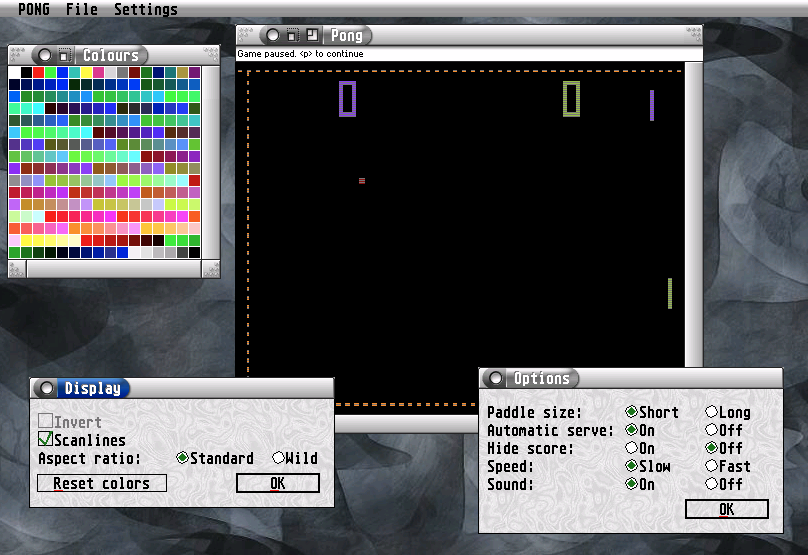
While the game itself is simple, you can ramp things up with the options. There’s a “Wild Mode,” which removes the fixed aspect ratio. The Color protocol is also supported. With the Color protocol, you drag one color onto another to change it. The protocol is supported by only a handful of apps.